

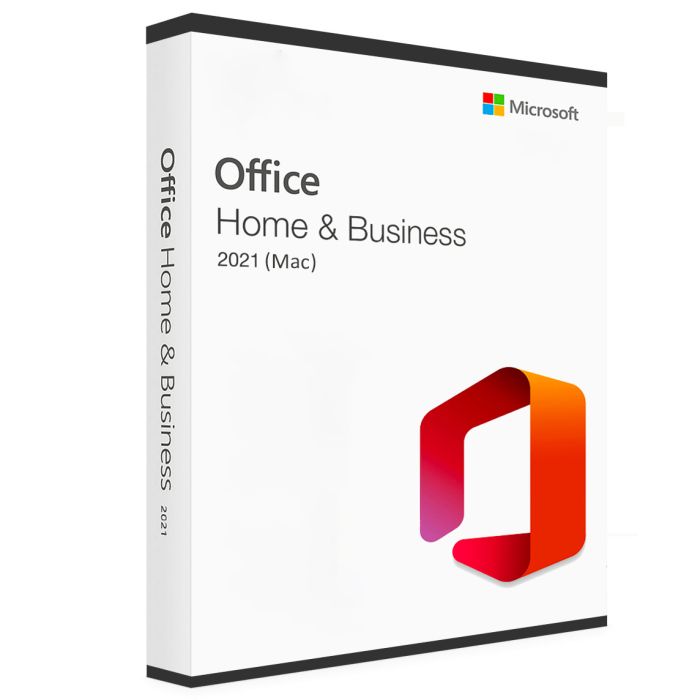
Microsoft Office 2021 Home and Business for MAC (Account Bind)
€169.99
Microsoft Office 2021 Home and Business for MAC (Account Bind) is available to buy in increments of 1
Microsoft Office 2021 Home and Business for Mac is a productivity suite that includes essential applications for personal and professional use. It is designed specifically for Mac users and offers advanced features and improvements over its predecessor. Microsoft Word, Excel, PowerPoint, and Outlook are all included in the package.
Microsoft Office 2021 Home and Business for Mac is a one-time purchase that comes with a perpetual license. This means that users can use the software for as long as they want without any additional subscription fees.
Microsoft Office 2021 Home and Business for Mac is a productivity suite that includes essential applications for personal and professional use. It is designed specifically for Mac users and offers advanced features and improvements over its predecessor. Microsoft Word, Excel, PowerPoint, and Outlook are all included in the package.
Microsoft Office 2021 Home and Business for Mac is a one-time purchase that comes with a perpetual license. This means that users can use the software for as long as they want without any additional subscription fees.
After your purchase, an automated email containing an official Microsoft online activation key, a download link, and instructions will be sent to you. This key is good for a lifetime activation on One (1) PC and does not require a monthly fee. All Languages are included.
System requirements
Processor: 2-core processor/recent macOS.
Operating System: macOS 13.0 or later.
RAM: 4 GB RAM for Mac.
Storage: 10 GB for Mac.
Graphics card: 1280 x 800 for Mac.
Display: 1024 × 768 resolution.
Mac Models' Compatibility
MacBook Air (M1, 2020)
MacBook Air (Retina, 13‑inch, 2020)
MacBook Air (Retina, 13-inch, 2018 - 2019)
MacBook Air (13-inch, Early 2015 - 2017)
MacBook Air (11-inch, Early 2015)
MacBook Pro (13-inch, M1, 2020)
MacBook Pro (13-inch, 2020)
MacBook Pro (13-inch, 2016 - 2019)
MacBook Pro (14-inch, 2021)
MacBook Pro (16-inch, 2021)
MacBook Pro (16-inch, 2019)
MacBook Pro (15-inch, 2016 and later)
MacBook (Retina, 12-inch, Early 2015 - 2017)
iMac (24-inch, M1, 2021)
iMac (Retina 4K, 21.5‑inch, 2019)
iMac (Retina 4K, 21.5-inch, 2017)
iMac (Retina 4K, 21.5-inch, Late 2015)
iMac (Retina 5K, 27-inch, 2019–2020)
iMac (Retina 5K, 27-inch, 2017)
iMac Pro (2017)
Mac Studio (2022)
Mac mini (M1, 2020)
Mac mini (2018)
Mac mini (Late 2014)
Mac Pro (2019)
Mac Pro (Late 2013)
Installation and FAQ
What will I receive after making a purchase?
You will receive an instruction guide, a download link, and an official Microsoft license key to activate the product.
How long does it take for an order to arrive?
Once your payment has been confirmed, you will receive your license key immediately.
How can I activate my product key?
Simply follow the instructions provided in the email you receive from us.
I haven't received an email after completing my purchase. What should I do?
First, check your spam or junk folder to make sure the email hasn't been filtered there. If you still can't find it, please contact us via live chat or email for assistance.
Why are our prices lower than those of our competitors?
We can generally offer competitive prices because we purchase in bulk from large businesses through various purchasing channels. Additionally, since all our products are delivered digitally, we eliminate shipping costs, allowing us to offer even more affordable prices.
